User Account
This page explains how to sign in to the platform and the different methods available to access your user account.
1. Sign in with an existing account
You can sign in to the platform using one of the following methods:
- Google account
- GitHub account
- Microsoft account (not yet available)

2. Sign in by email
If you prefer to sign in directly by email:
- Enter your email address in the sign-in field
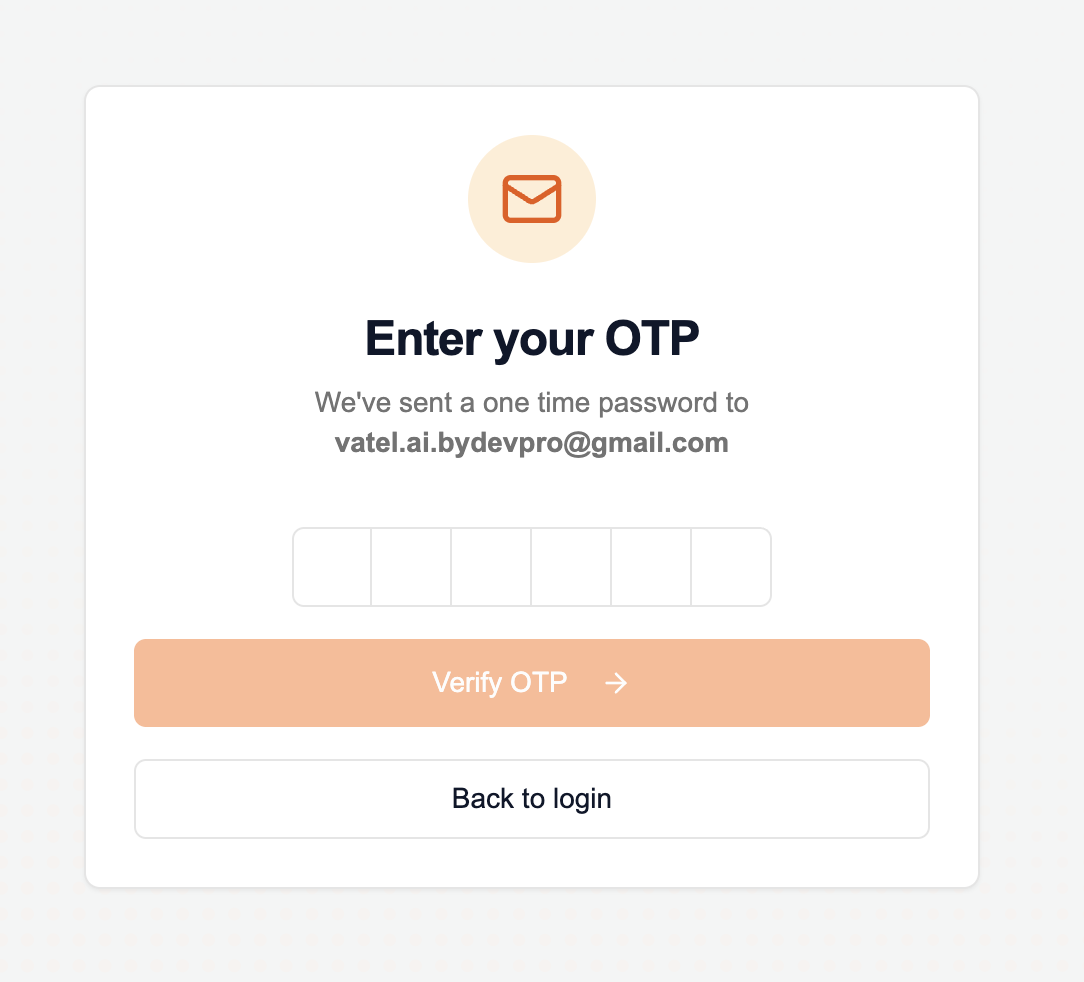
- Click Send one time password
- Check your inbox and retrieve the one-time password (OTP)
tip
If you don’t receive the email within a few minutes, check your “Junk” or “Spam” folder.
- Enter the code on the verification screen
- Click Verify OTP to access the platform
3. Sign in via organization invitation
If you are invited to join an existing organization:
- You will receive an invitation email containing your sign-in address
- Click the link in the email to start the process
- Follow the steps described in section 2 above to receive an OTP and access your account linked to the organization