Graph and Nodes
Graph
The graph defines the agent's behavior, but it's not a fixed structure. The agent navigates this graph as the conversation progresses, adapting to natural dialogue.
- Nodes allow structuring the agent's logic while remaining flexible.
- The agent adjusts its responses if the conversation diverges from the planned script.
- Testing is essential to ensure the behavior matches expectations.
Node
This section presents the different types of nodes available to define your agents' logic.
First Message
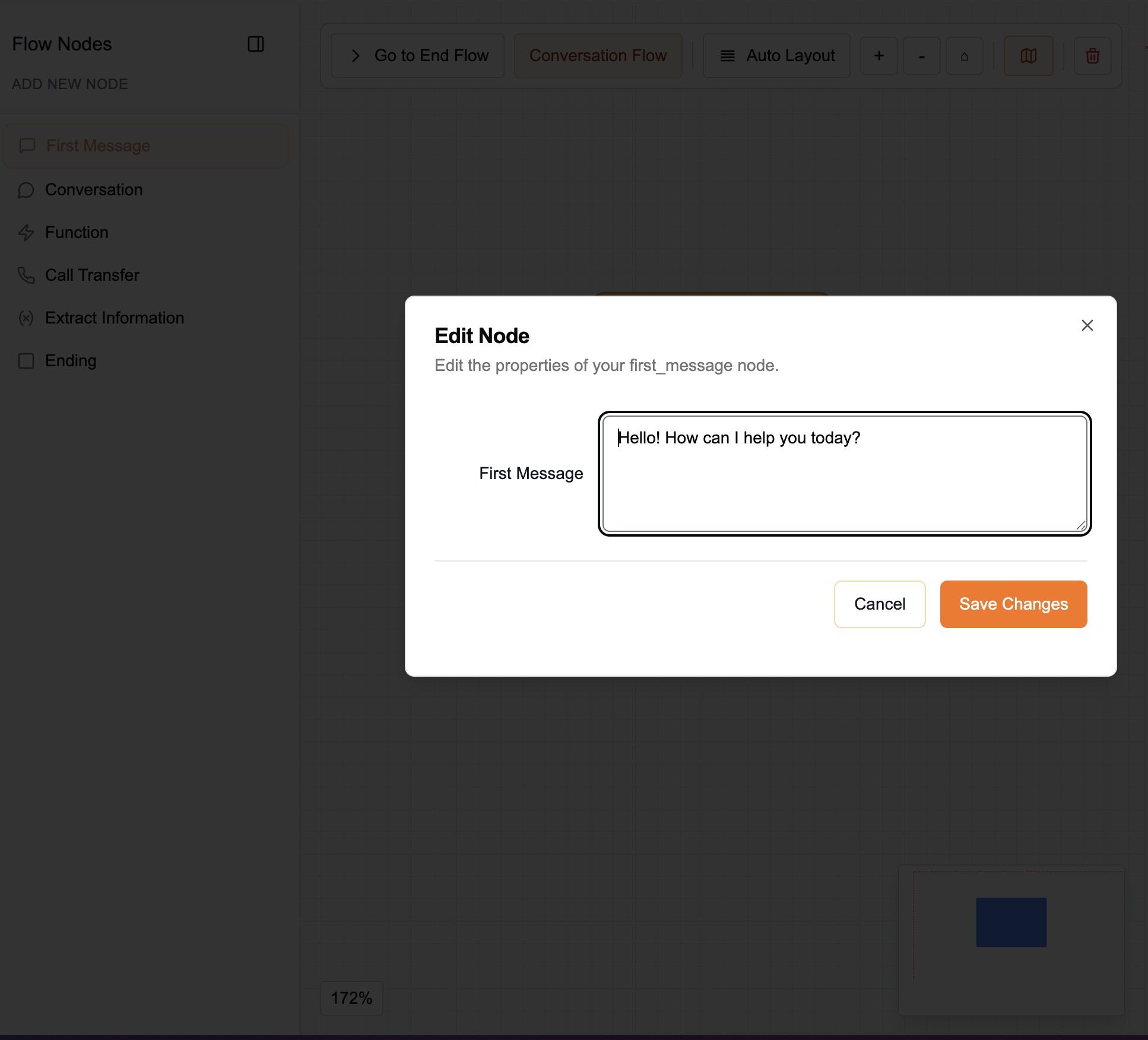
- Purpose: Ensure the same first message is always spoken to the caller
- Parameters:
- First Message: The exact message to be spoken
Conversation
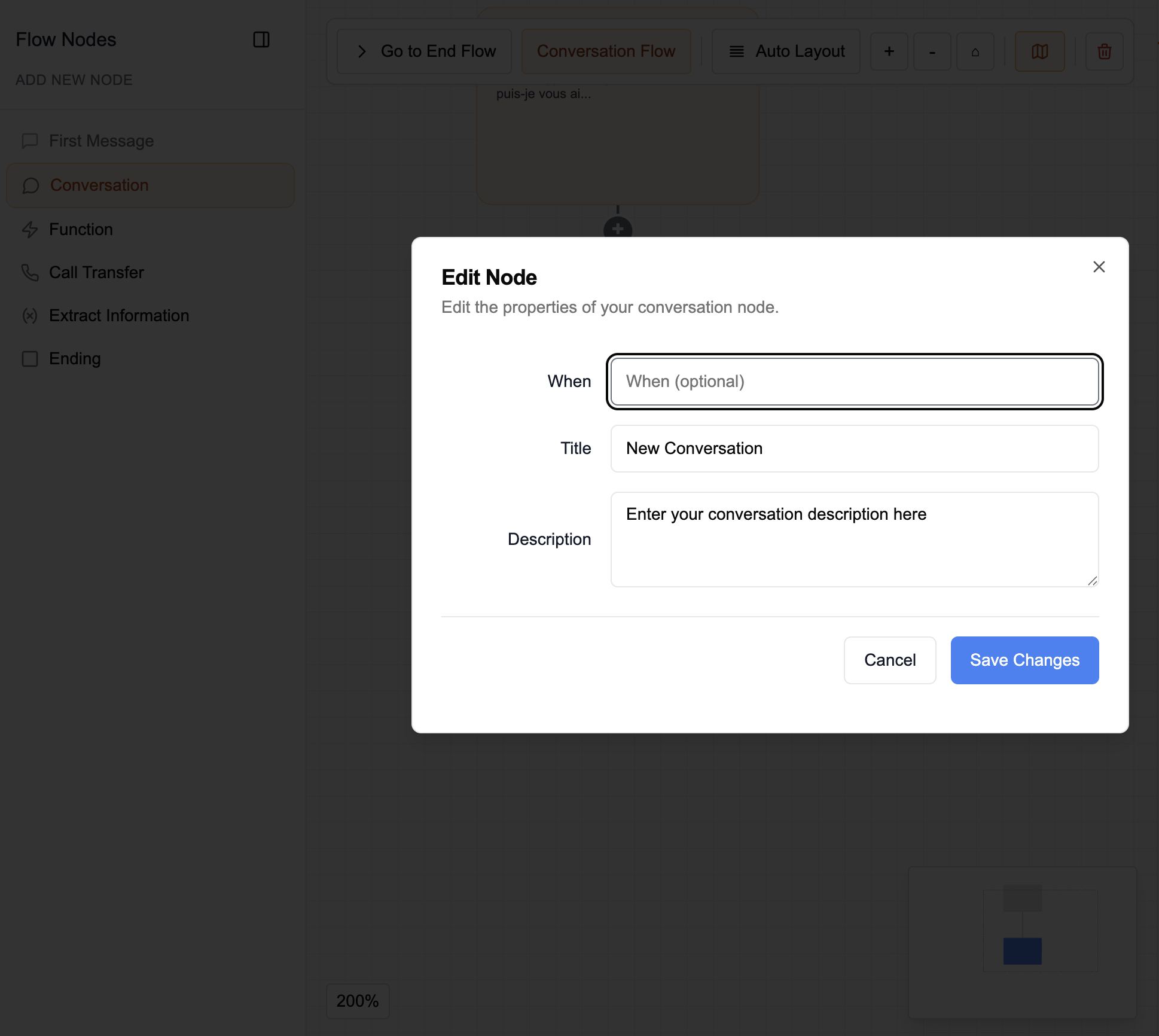
- Purpose: Guide the agent in a precise conversation
- Parameters:
- When: A condition to specify when the conversation should be "visited"
- Title: The conversation title
- Description: Additional information that guides the conversation and limits its scope (conversation flow to follow, script, questions, etc.)
Transfer
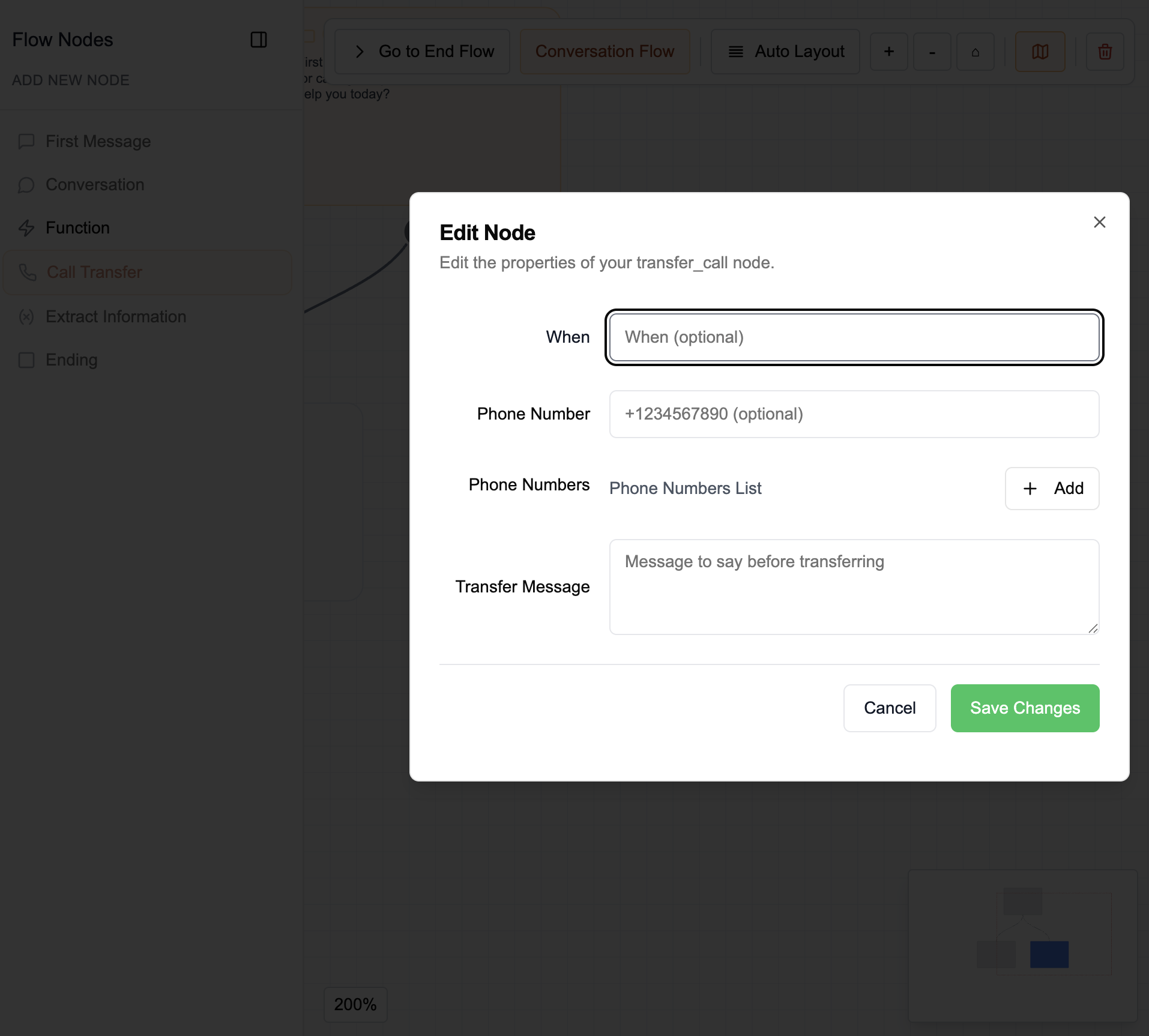
- Purpose: Transfer the call to an external number
- Parameters:
- When: A condition to specify when the transfer should be performed
- Phone number(s): You can specify either:
- a single phone number to call for the transfer (e.g.,
1234567890) - or a list of names (e.g., people or departments) associated with their respective numbers to transfer to the right person based on the name requested by the caller. (e.g.,
{"Technical Support": "1234567890", "Accounting": "0987654321"})
- a single phone number to call for the transfer (e.g.,
- Transfer message: The exact message to be spoken before transferring the call
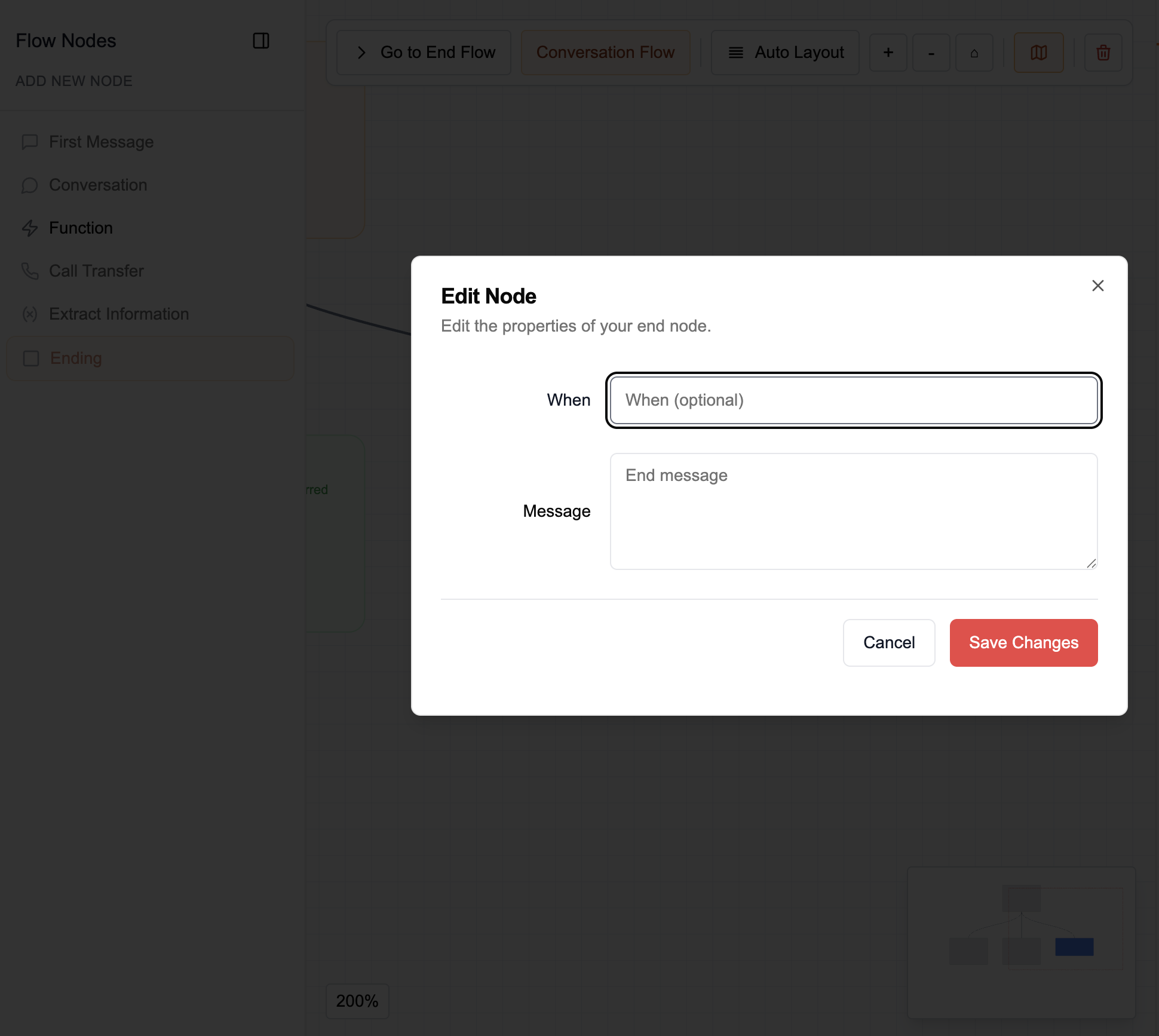
End
- Purpose: End the call
- Parameters:
- When: A condition to specify when the call should be ended
- End message: The exact message to be spoken before ending the call
Webhook
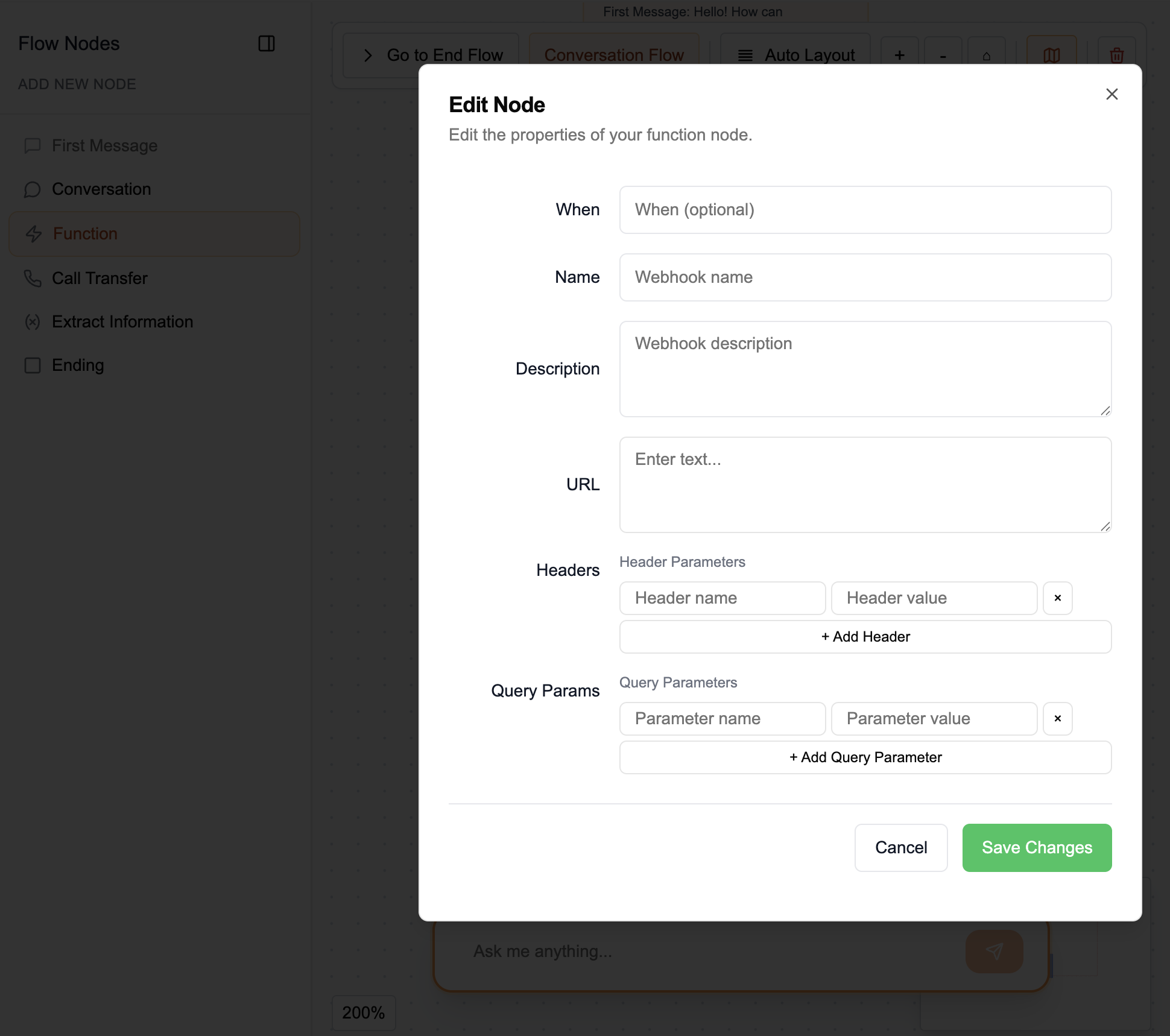
- Purpose: Make HTTP requests to external APIs or services during the conversation
- Parameters:
- When: A condition to specify when the webhook should be triggered (optional)
- Name: The webhook name for identification
- Description: Additional information describing the webhook's purpose
- URL: The endpoint URL to call
- Headers: HTTP headers to include in the request (header name and value pairs). You can add multiple headers.
- Query Params: Query parameters to include in the request (parameter name and value pairs). You can add multiple query parameters.